
 Join our Discord
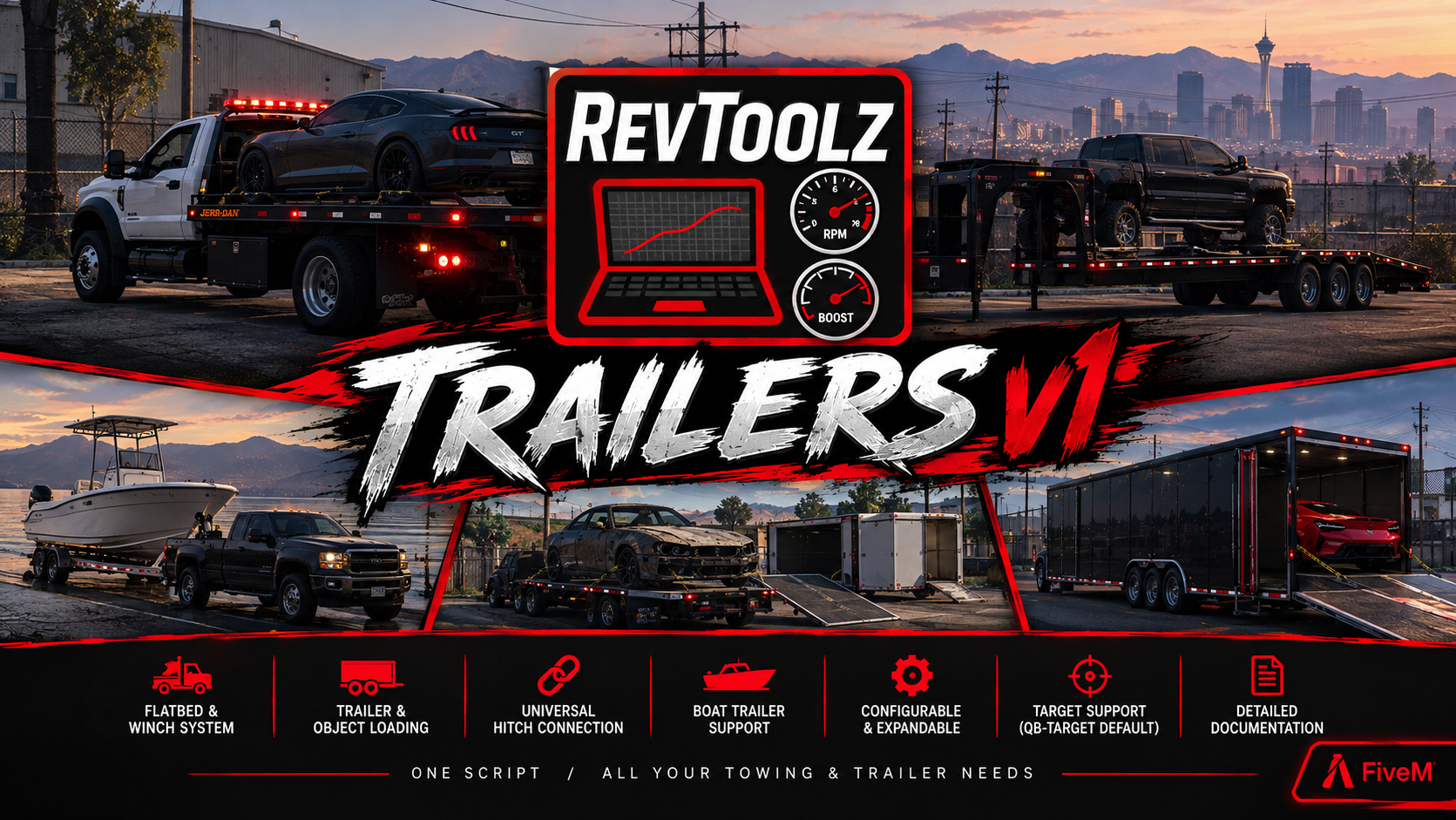
RevToolz Trailers v1
Trailers, Flatbeds, Winches & Boat Trailers with In-Game Setup
One standalone resource that replaces every separate trailer, flatbed and boat trailer script on your server. Load vehicles onto trailers, run rollback and tilt beds, winch wrecks up, launch boats, hitch anything to anything, and set every vehicle up in-game from a guided menu. No config.lua offsets, no bone names, no restarts.
🧰 In-Game Setup, No Config Editing Ever
This is the part that makes the script different. Type /trailers and everything is done in game, on the vehicle, with a guided camera and live previews.
/trailersopens a full NUI home screen listing every trailer, flatbed and boat trailer that is set up- Tabs for Trailers / Flatbeds / Boat trailers, live counts, and a search box
- + Add New picks up the vehicle you are towing, the one you are looking at, or the nearest likely trailer, with a "Wrong vehicle? Show next" cycler
- Not standing next to it? Type a spawn name and the script spawns a copy to set up, then removes it when you finish
- Edit any saved setup later with every answer pre-filled. If none is nearby, a temporary copy is placed in front of you and cleaned up afterwards
- Spawn places a real copy of any saved vehicle in front of you for testing
- Delete with a two-press "Really delete?" confirm
- Saved setups go live for everyone on the server instantly. No restart, no resource reload
Placing spots by walking there
- The panel hides itself and a banner tells you what to do: walk to where players should stand and press E
- Copy spot 1 to the other side mirrors a spot across the vehicle in one click. Most trailers are done in two presses
- Move, remove and re-place any spot. Hover a spot to have the camera fly to it
- Backspace cancels any capture and returns to the panel
Testing before you save
- Spawn a test car or boat from the panel (configurable models, removed when setup ends)
- Drive it on and press G to load it for real, using the exact settings you just chose
- Nudge height and forward/back offsets with +/- buttons and watch the vehicle move live
- A summary page lists every answer before you save, and warns you if you skipped the test
🚚 Trailers & Vehicle Loading
- Load virtually any vehicle onto any configured trailer
- Vehicles attach exactly where you parked them, keeping their position and pitch on the deck
- Loads facing forward or backward automatically, worked out from the heading difference
- Optional fixed attach point mode with an adjustable height offset, for models where free placement floats or sinks
- Vehicles are locked in place, made undamageable while carried, and released cleanly
- Works with damaged and destroyed vehicles
- Ramps, tailgates, rear gates and fold-down decks, driven by the model's own door or its extras, whichever it uses
- Link additional doors so they open and close together with the ramp
- Operate ramps from the ground, standing on a marker. No invisible seats, no getting in
- Flat trailers with no moving parts are fully supported too
🛻 Flatbeds, Rollbacks & Tow Trucks
Three bed types cover essentially every tow truck on the market:
Tilt / rollback bed slides back and tips to the ground
Fixed bed does not move (pickups, slamtrucks, brickades)
Animated bed is driven by the truck's own built-in animation
- Raise and lower the bed from the ground controls (Up / Down), or from the driver seat with Shift / Ctrl while stopped
- Press again in either direction to stop the bed mid-travel
- Bed position and movement are shared through decorators, so every player sees the bed in the same place
- Configurable bed speed
- Optionally block releasing a vehicle until the bed is fully lowered
- Optional "re-seat a second later" pass so vehicles settle perfectly flush instead of hovering
- Tilt beds spawn fully raised and remember their position
- Fixed beds lift a vehicle on from a load spot behind the truck and set it back down there, refusing politely when the bed is occupied or the drop-off is blocked
- Wheel-lift arm support. Open and close the lift arm from the controls or a target option
- A per-model blocklist for vehicles that must never be carried (
kamachoby default), editable in game
🪝 Full Winch System
- Rope-based winch drawn from a bone you pick during setup
- Press Left with no rope out and it finds the nearest vehicle behind the truck, sweeping metre by metre out to the configured reach
- Wind and unwind independently. Press again to stop
- Optional hold-to-winch mode instead of press-to-start
- Auto-locks the vehicle onto the bed the moment it arrives
- Auto re-hooks the winch when a vehicle is released, ready for the next job
- Rope snaps past a configurable maximum length, and winding stops at a configurable distance
- Carry the hook by hand: Shift + Left takes the hook, walk it out, Shift + E hooks the vehicle in front of you
- Shift + Right puts the hook back. Shift + Left near a winched car takes the hook off it again
- G removes the rope entirely
- Works on destroyed vehicles, releases the brakes while pulling, and keeps the truck anchored so it is not dragged
- A legacy pulling mode for stubborn models where the rope will not move a vehicle
- Every player sees the same rope. Only the player who pressed the key drives it, so there is no tug-of-war over entity control
🚤 Boat Trailers
- Load and launch boats from supported boat trailers, like a real boat ramp
- Per-boat saved positions. Every boat model sits where you parked it during setup, not on a shared guess
- Load from the boat's own driver seat with G within a configurable reach of the trailer's load point
- Launch from the trailer's release spots with E, or straight from the wheel with G
- Released boats are moved clear, lose collision for a few configurable seconds and are pushed backwards, so they slide off into the water instead of catching on the trailer
- Released boats cannot be damaged during that window
- Boat anchors. Drop and raise the anchor with B when almost stopped, synced to everyone
🔗 Universal Trailer Hitch
- Press J to hitch any compatible trailer to any compatible truck
- No
vehicles.metaedits and no per-vehicle configuration. It matches the truck'sattach_femalenode to the trailer'sattach_malenode - Detach with the game's own trailer detach
- Tells the player why nothing happened: no tow bar on this vehicle, or no hitch in range
🎯 Target & Interaction Options
- Ground markers with 12 preset styles, 8 preset colours plus any hex code, adjustable size, opacity, height, bounce, spin and face-camera, all with a live preview drawn in front of you while you edit
- On-screen key hints that list exactly what that vehicle can do (bed, winch, lock, wheel lift), rebuilt automatically when the settings change
- Hints show your actual keybinds, so rebinding a key updates the hint
- Or switch it all to ox_target / qb-target / qtarget (auto-detected) with one setting
- Every action gets its own target option with its own label and Font Awesome icon, and only appears when it is actually usable
- Loading (G) and hitching (J) stay on keys, since they are used from inside a vehicle
⚙️ In-Game Settings Panel
Almost nothing needs a config edit or a restart. /trailers then Settings, organised into sections:
- Markers: style, colour, opacity, size, height, motion, with live preview
- Hints and messages: toggle hints, distance, and rewrite every single line of text
- Notifications: framework notifications or the GTA feed, load and unload messages, and optional "explain why nothing happened" messages for every failure case
- Flatbeds & winches: bed speed, unload rules, cab controls, re-seat pass, winch speed, rope length, stop distance, auto-lock, auto re-hook, hold-to-winch, legacy mode, and the cannot-be-loaded model list
- Boats: load reach, release protection window, anchors on or off
- Who can use it: admin groups for
/trailers, and job restrictions for using trailers at all - Changes are validated, clamped to safe ranges, saved, and pushed to the server and every connected client immediately
- Only the sections you touch are overridden. Everything else keeps following
config.lua - Reset to config.lua per section, at any time
- You cannot lock yourself out. A permission change that would remove your own access is refused
💾 Storage, Backups, Sharing & Auditing
- Automatic storage. Uses oxmysql if it is running, otherwise a JSON file inside the resource, or force either one
- Tables are created for you on first start. Nothing to import
- Anything already in the JSON file is copied into the database automatically the first time the database is used
- A JSON file that cannot be read is preserved as
.brokenand never overwritten - Setups survive resource updates when using the database
- Backups. Named snapshots of every setup, latest 20 kept, showing who made each one and when. Restore or delete with a two-press confirm
- A backup is taken automatically before any restore or import, so anything can be undone
- Share codes. Pack any selection of setups into one
RTT1:line and paste it on another server running RevToolz Trailers - Imports show you exactly what the code contains first: new, replaces an existing setup, or cannot be used and why, with an opt-in "replace existing" toggle
- Activity log. Every trailer added, edited or deleted, every settings change, every backup and import, with names and timestamps (200 kept, 100 shown)
- Discord webhook with link validation and a test-message button. Player names can never ping
@everyone - Default setups are only ever added, never overwritten. A setup you edited stays edited, and deleted defaults can be restored from Settings
🎮 Controls
Every key is registered through FiveM's own keybinding system, so players can rebind all of them in Settings > Key Bindings > FiveM.
| Key | Action |
|---|---|
| G | Load or unload the vehicle you are in · load or launch a boat · (on foot at the controls) remove the winch rope |
| E | Open or close the ramp · lock or release the vehicle on a bed · launch a boat from a release spot |
| F | Get into the vehicle loaded on a nearby trailer or flatbed |
| J | Universal trailer hitch |
| Up / Down | Raise or lower the bed, from the ground controls |
| Shift / Ctrl | Raise or lower the bed, from the driver seat while stopped |
| Left / Right | Wind or unwind the winch |
| Shift + Left | Grab the winch hook · take the hook off a winched vehicle |
| Shift + Right | Put the winch hook back |
| Shift + E | Hook the held winch to the vehicle in front of you |
| H | Toggle the wheel-lift arm |
| B | Drop or raise a boat anchor |
🧩 Framework, Compatibility & Developer Hooks
- Standalone. Works with no framework at all
- Auto-detects Qbox (qbx_core), QBCore (qb-core) and ESX (es_extended), or force one in the config
- Framework notifications and job lookups are bridged in one small, unencrypted file you can edit
- Admin access via framework groups or the
RevToolzTrailers.builderACE permission - Optional job restriction for using trailers, flatbeds and winches
- Drops straight in over the older separate flatbed and boat trailer resources. It provides
revtoolzflatbedsandrevtoolzboattrailer, and keeps their exports and events working (targetflatbedWind,targetflatbedUnWind,targetflatbedAtt,targetflatbedRope,targetflatbedRaise,targetflatbedLower,targetflatbedWheel,AttachVeh,manualattach) - Clean integration hooks in an editable file:
allowed(),CanLoadOnto(carrier, vehicle),OnVehicleLoaded(vehicle, carrier)andIsVehicleLocked(vehicle). Wire up ownership checks, vehicle keys, garages or logging in a few lines - Reads the game's own lock state and the
_VEH_DOOR_LOCK_STATUSdecorator, so existing vehicle-key scripts are respected - config.lua, the framework bridges, the target integration, the hooks file and the entire UI are left readable and editable under escrow
🛡️ Networking & Performance
- Built for OneSync. The server verifies that the vehicle in every winch and bed event exists, is actually set up, and is near the player who sent it
- Everything arriving from a client (setups, settings, share codes, webhooks, group and model names) is validated, whitelisted field by field, and clamped before it is saved
- Entity control requests time out instead of freezing threads, so a vehicle another player will not release cannot hang a player's game
- Uses
GetGamePoolrather than entity enumerators, scans for nearby trailers a few times a second, and caches spot positions until the vehicle actually moves - The drawing loop sleeps entirely unless something is genuinely on screen, and help text is registered once instead of every frame
- One thread per moving bed, and only the player driving a winch runs its update loop
⚠️ Important Notes
- No vehicles, trailers, boats or other models are included. The setups included are configurations only. You must already own the vehicles you want to use them with
- Any vehicle not on the included list can be set up yourself in game in about a minute. Nothing is hard-coded
- OneSync is required for server-side validation of winch and bed events, and for the universal hitch to behave reliably
- oxmysql is optional. Without it, setups are saved to a JSON file inside the resource, which is replaced if you overwrite the folder during an update, so the database backend is recommended
- Beds must have a movable part the game exposes: a bulldozer-arm style bone, an extra, or the convertible animation. Trucks with none of those can still be set up as fixed beds
- The universal hitch needs the towing vehicle to have a working hitch node. There is no way around a model that lacks one
- Package is delivered encrypted with FiveM Escrow.
config.lua, the framework bridges, the target integration, the developer hooks and the full HTML/CSS/JS UI remain open for editing